This is a project intended to make me understand the Unreal Engine better. Ever since I’ve read Blame! I wanted to bring the world to life in a game. The development of this game will force me to go through every aspect of the engine and help me guide my self-learning objectives like game-logic, animations and AI behaviour.
The game is a FPS RPG where the player makes their way through an endless machine city looking for the Net Terminal Gene. The player controls a nameless clone through a level where they will encounter hostile entities and environmental hurdles. The city is a dangerous place and upon death, the player takes control of another clone for a new attempt. Throughout the levels, the player will find gear and weapons, unlock skills and modify the base version of their clones.
My goals for the game are:
- Movement mechanics like climbing and grappling hooks.
- Player Character development mechanics like Skills and an inventory system
- Friendly and hostile characters with their own behaviour
- Interactions with the world like modifying power grids, changing environments through tools and destruction.
- Multiple levels with different degrees of randomness.
Current Features
PLAYER CHARACTER
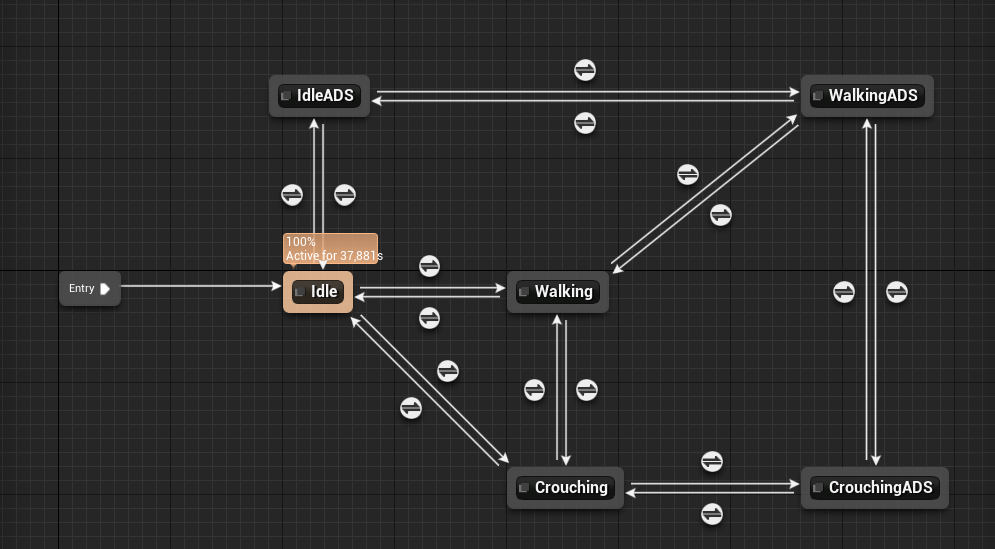
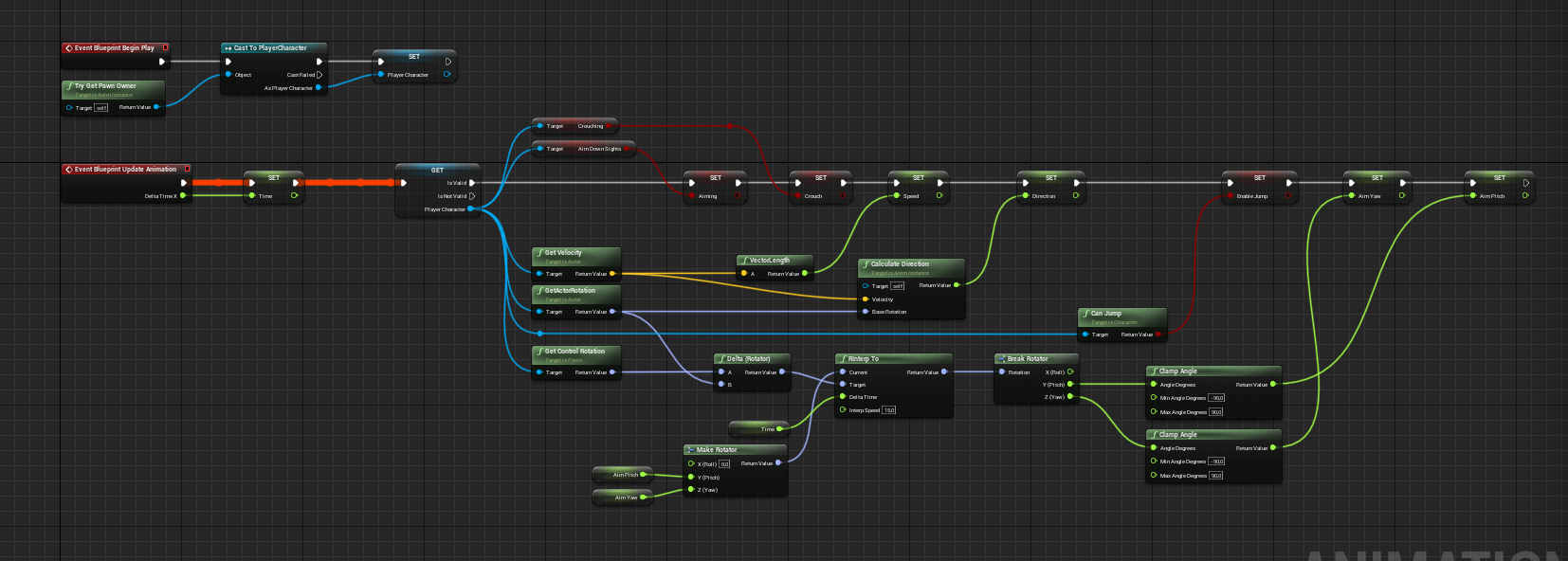
A fps character kit bashed from the basic fps template and from the Anim Starter pack. It has a basic set of movement animations and ways to move the hands to the current gun including an Aim offset.
MENU
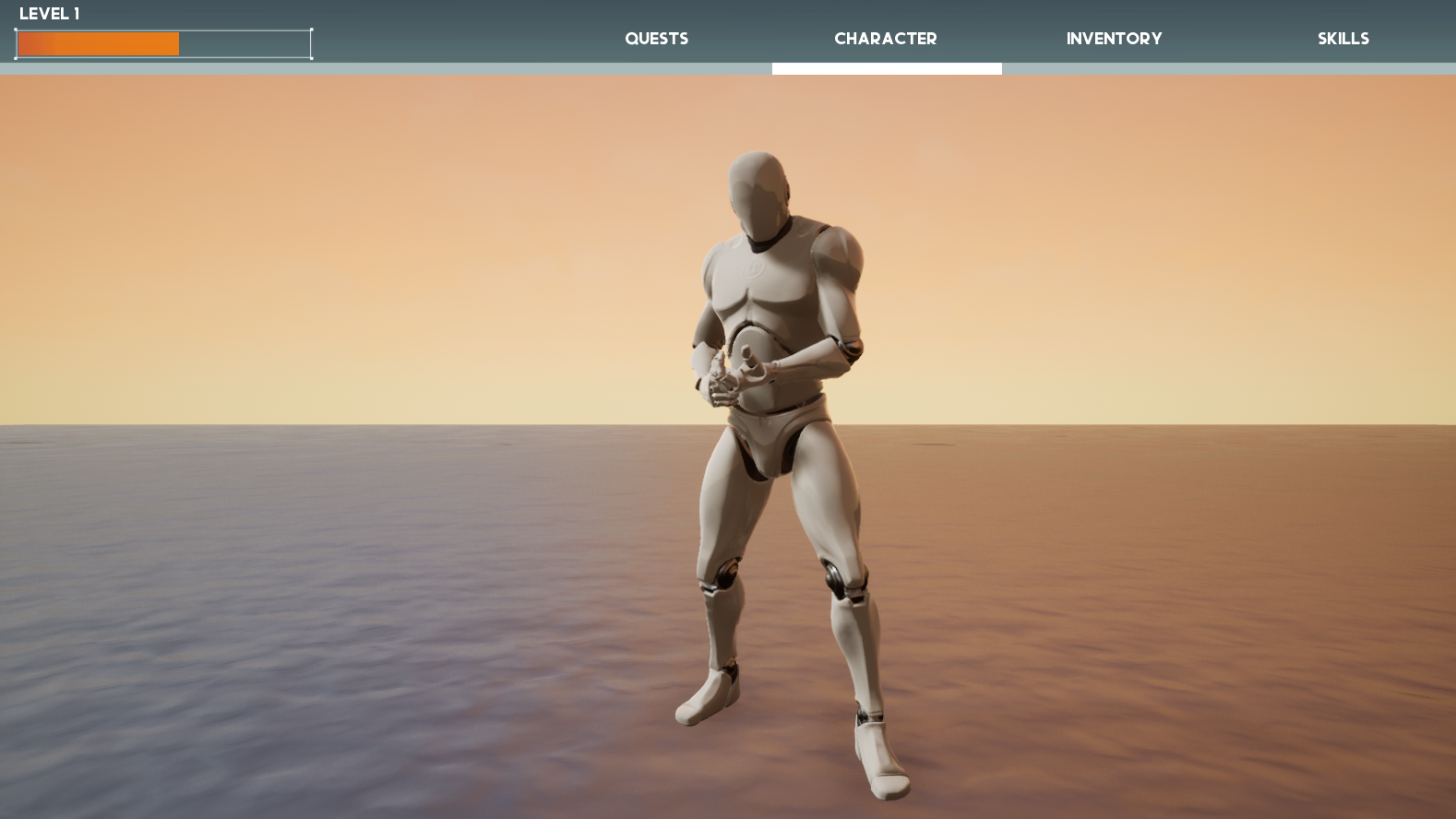
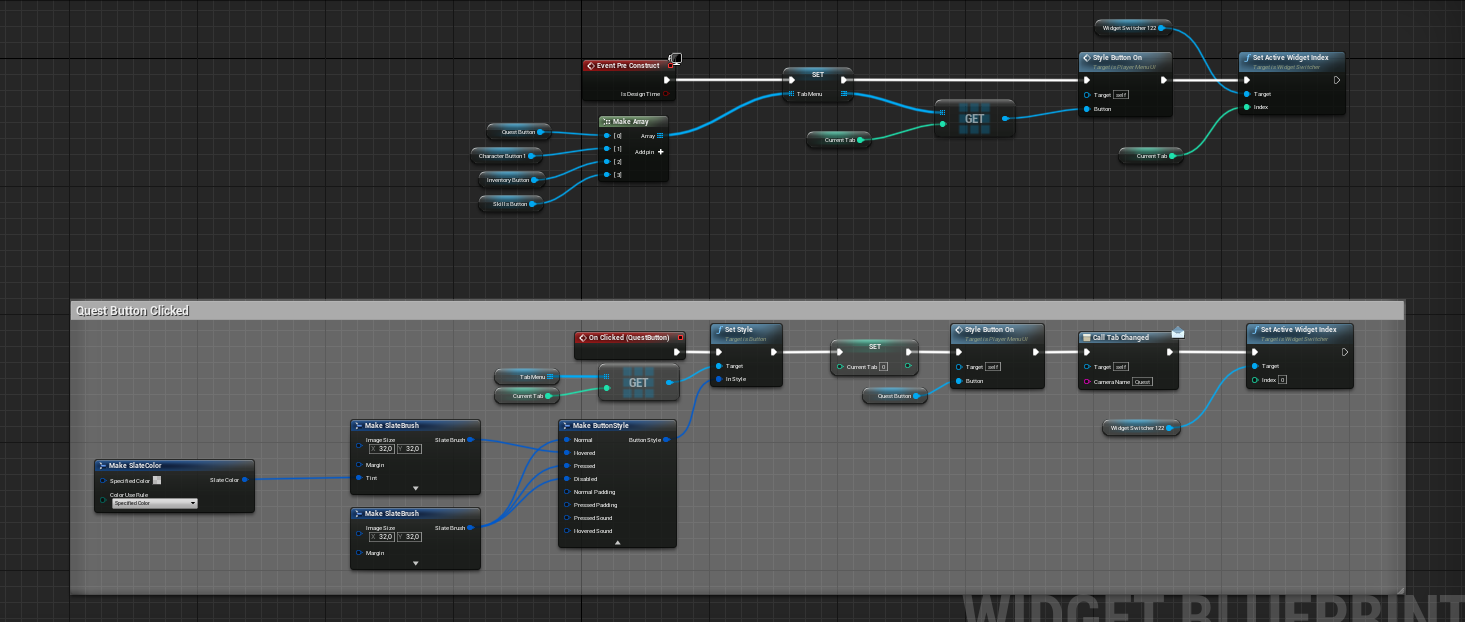
A menu with different tabs ( Quests, Character, Inventory & Skills). Quests are added through interactions in-game and the menu allows a quest to be tracked on the HUD. Inventory stores picked up items.
NPC
A NPC master blueprint that allows the player to interact. If the NPC has a quest, it will be displayed first. After this the child blueprint will continue with its specific behaviour like a store.
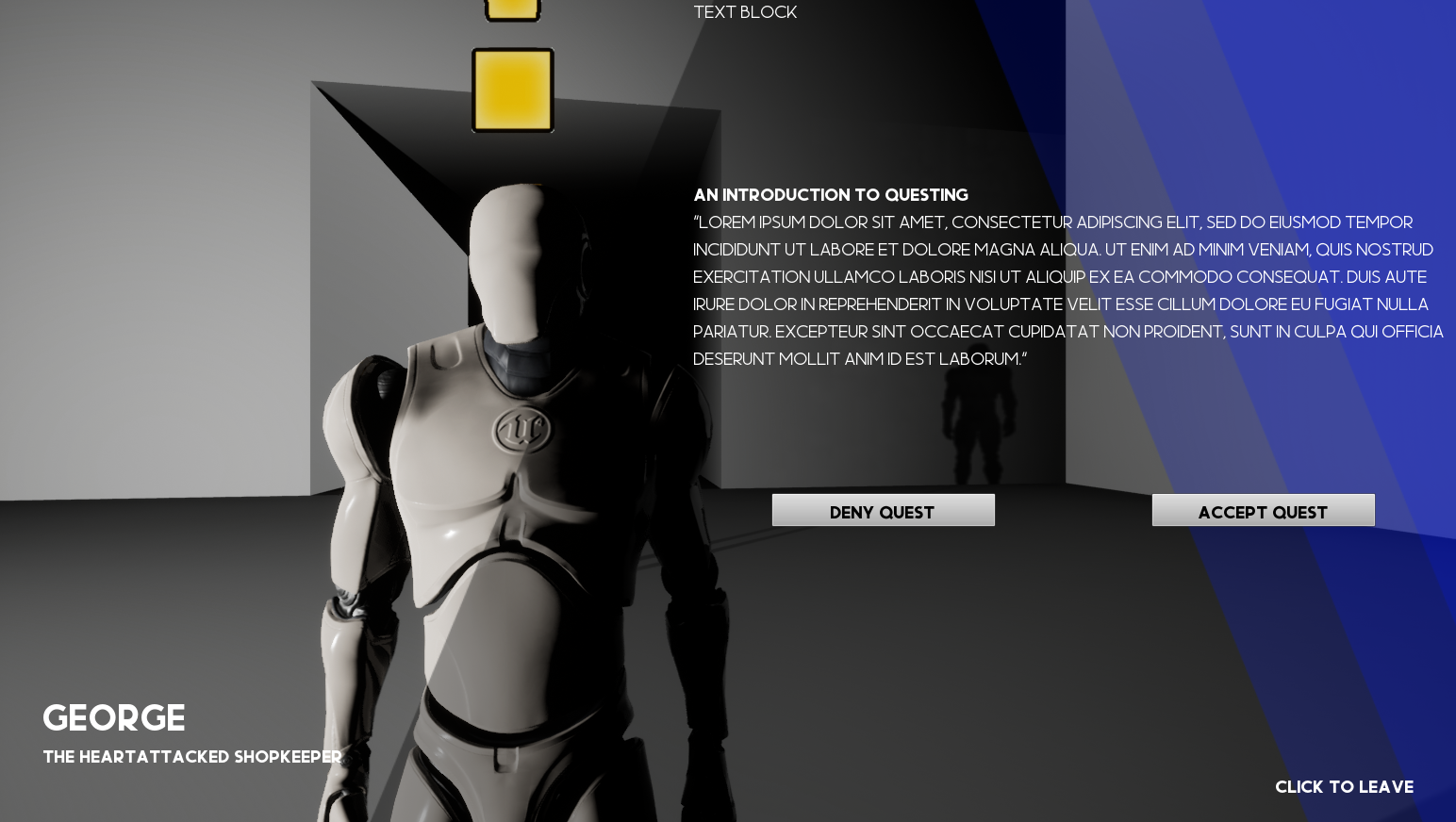
QUESTS
Very basic quest blueprint that can be linked to an NPC. It has a basic quest-billboard, quest name and quest description. This will be sent to the Quests menu once accepted
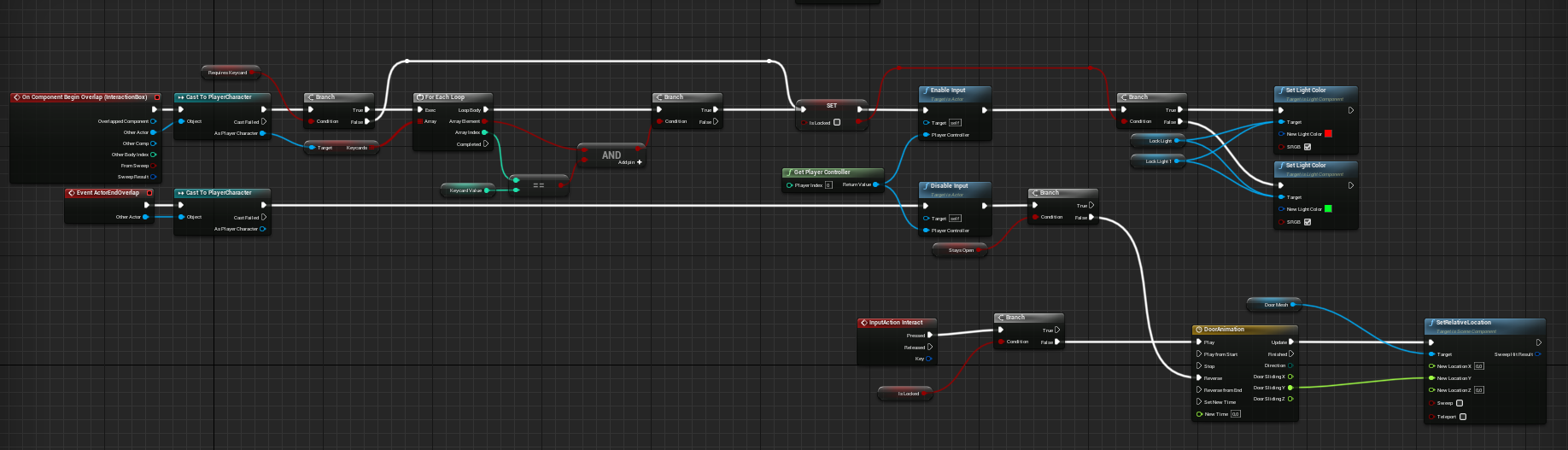
DOORS
A merged blueprint made from different types of doors from a tutorial. It can be unlocked with key cards & door switches.
LIGHTS
Basic blueprint for lights that can be put on a grid to interact with a separate Light Switch blueprint. This allows multiple lights to be turned on/off at the press of 1 button.
ITEMS
Items that can be picked up by the player. Can be made stackable.
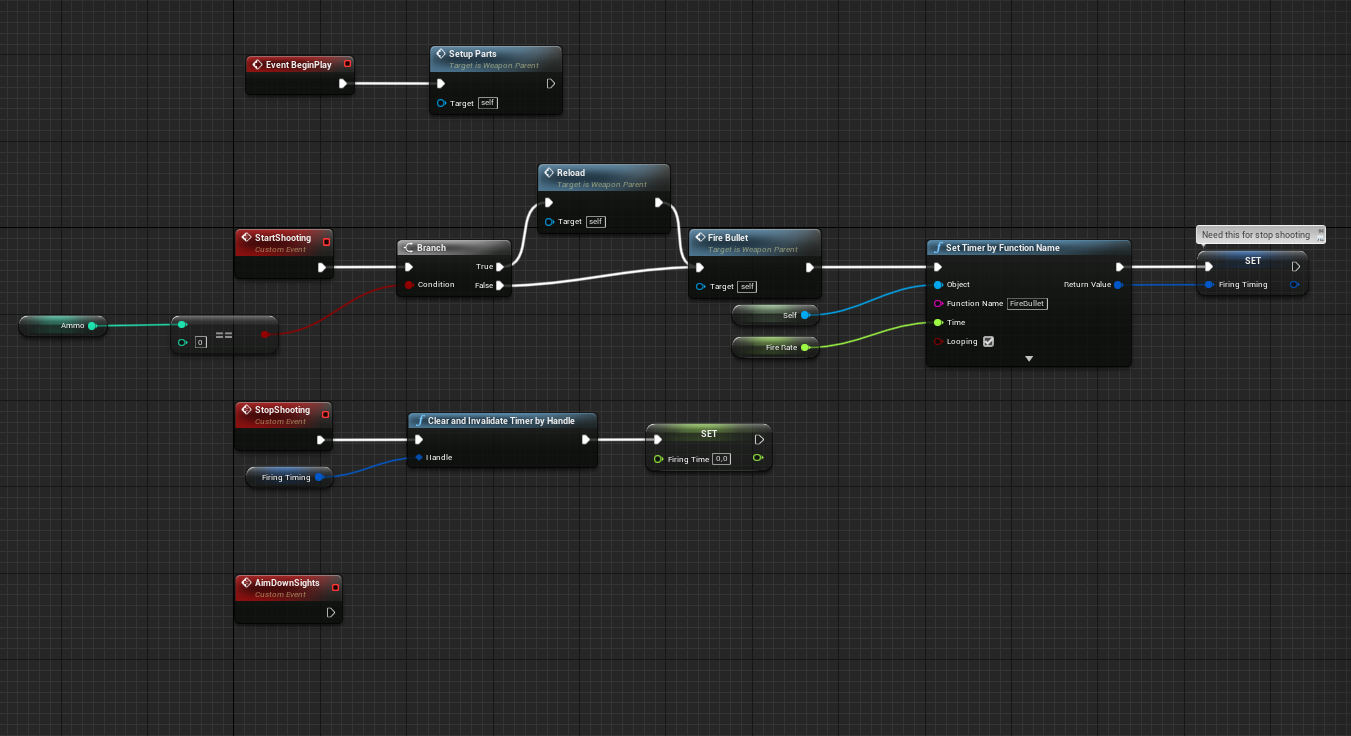
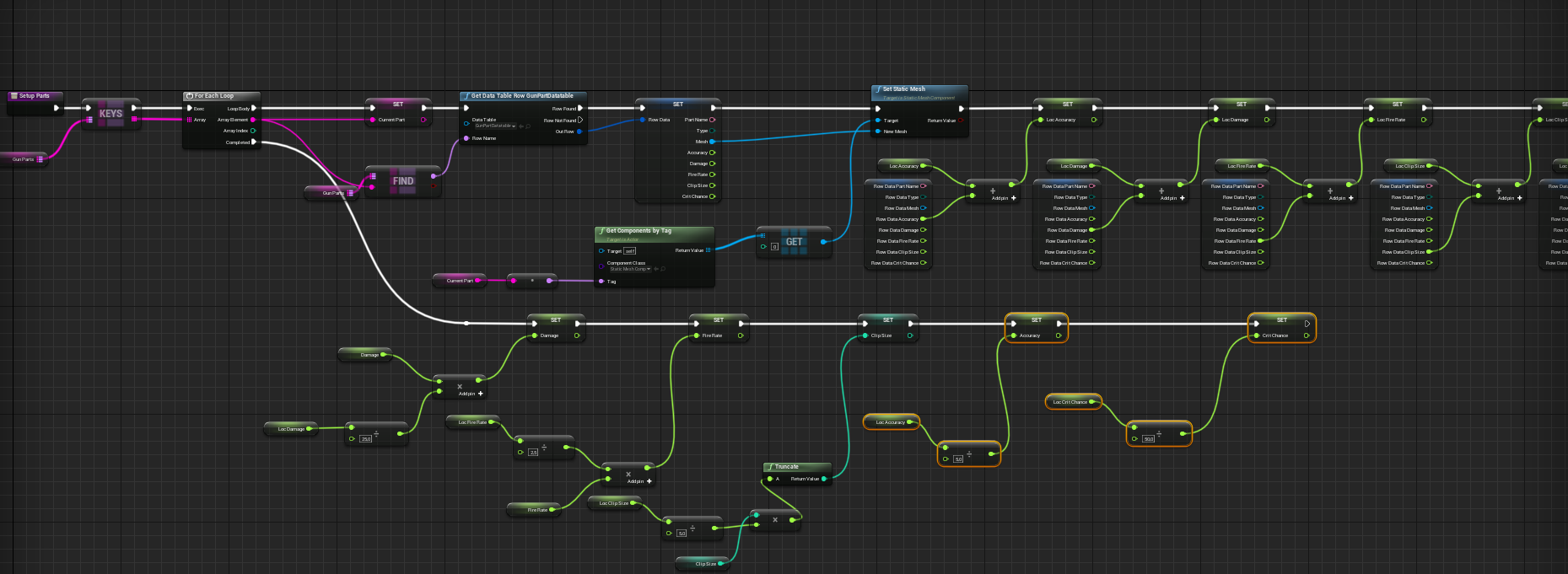
GUN
A gun that is built from 5 different components (Grip, Sight, Barrel, Firing pin and Clip) that have influence on the gun’s behaviour. It applies damage to objects that can receive it and once the object is hit, it displays damage numbers with notable critical hit numbers. A dummy blueprint is added to show the gun is working; the dummy also drops loot which can be picked up by the player. The loot is displayed in the Inventory menu.
Notable takeaways
Animations
I had very little experience with animations before starting. I learned how to set up an animation blueprint, make blendspaces and cut a single animation up for an Aim offset.
Kit bashing existing blueprints
I started the project with the FPS template. After going through my Vault looking for assets, I noticed that my animation packs are made for the 3D mannequin. I made a new player character blueprint that uses the default mannequin in a FPS way giving me the ability to use the animations from the Anim Starter Pack. The door blueprint is based on 4 different blueprints made according to a tutorial.
Blueprint Interface
This is amazing. I can shout something and other blueprints listen.
Building UI’s
I got more comfortable making UI’s made out of separate parts.
The Progress will be update in Blog posts. New Post