Enumeration, Unreal Engine 5 & Level Design.
I am creating this blog to show the progress I have made with the Machine World Rogue-like game. This is a fangame based on Blame! by Tsutomu Nihei.
Enumeration.
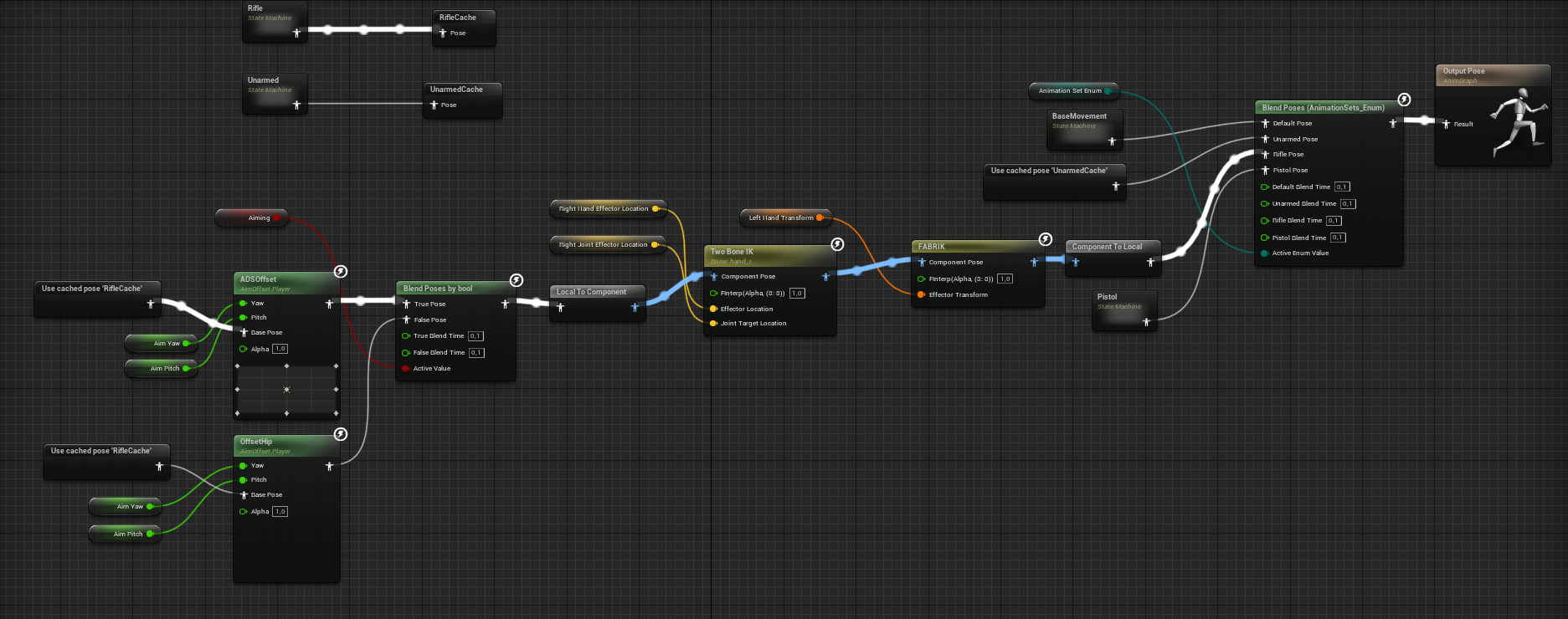
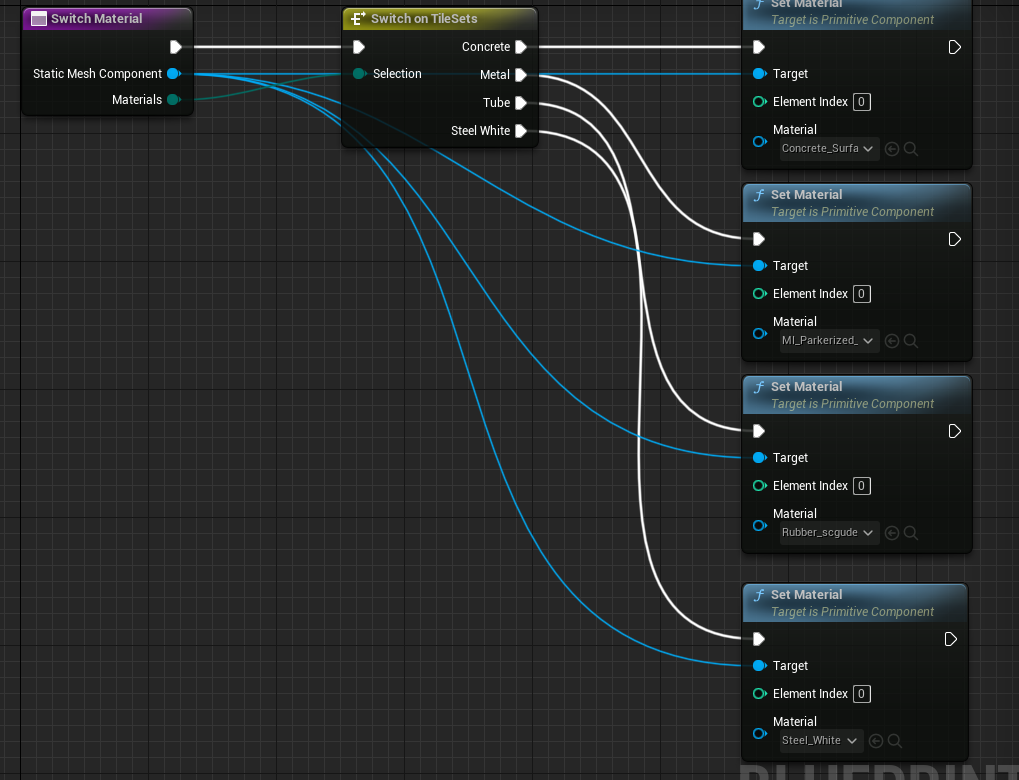
Enumerations fixed many problems I had. Blueprints that build architecture like walls, bridges and tubes can now switch their material with an enumeration and a dedicated Material Function. Furthermore, I learned about Blend Poses By Enum which allows me to switch between animation stances, creating different sets of blends based on the weapon type of the weapon the player is currently holding.
Level Design.
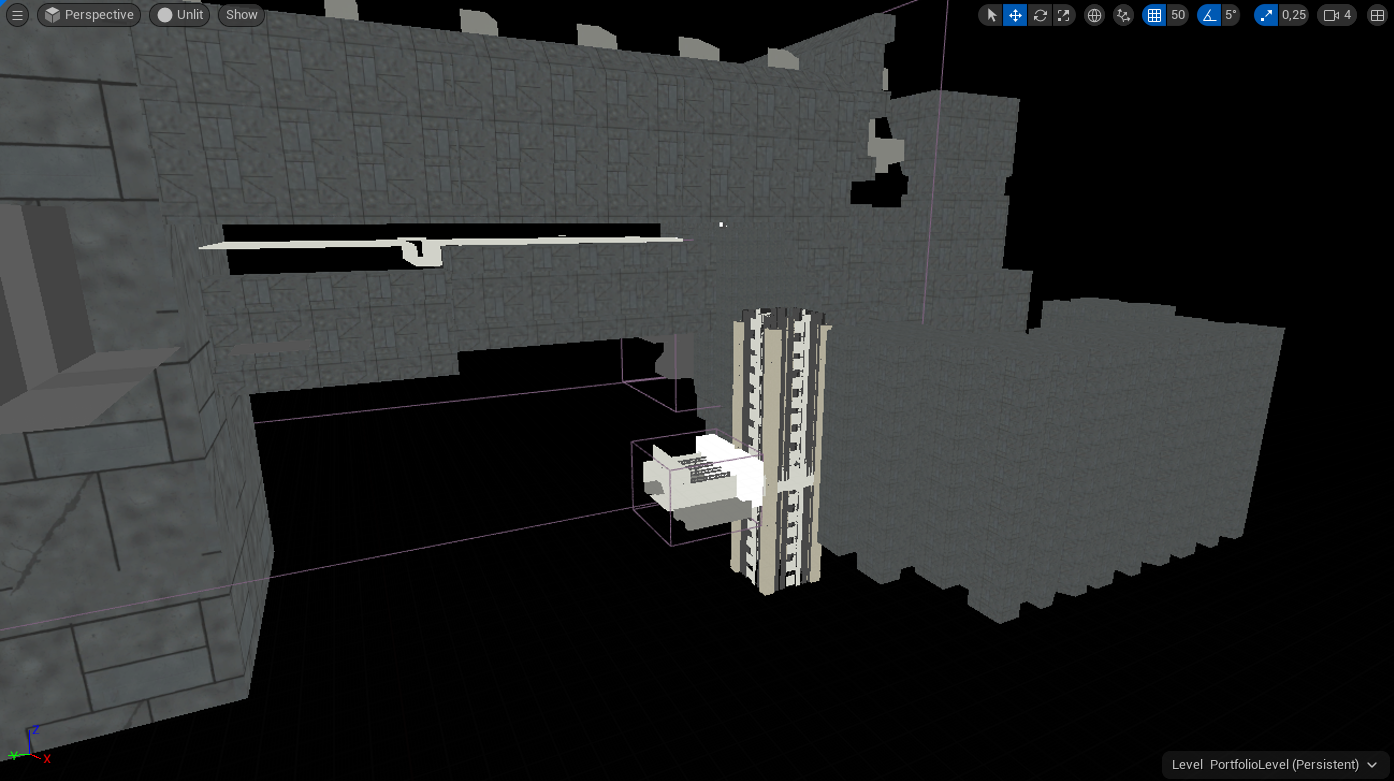
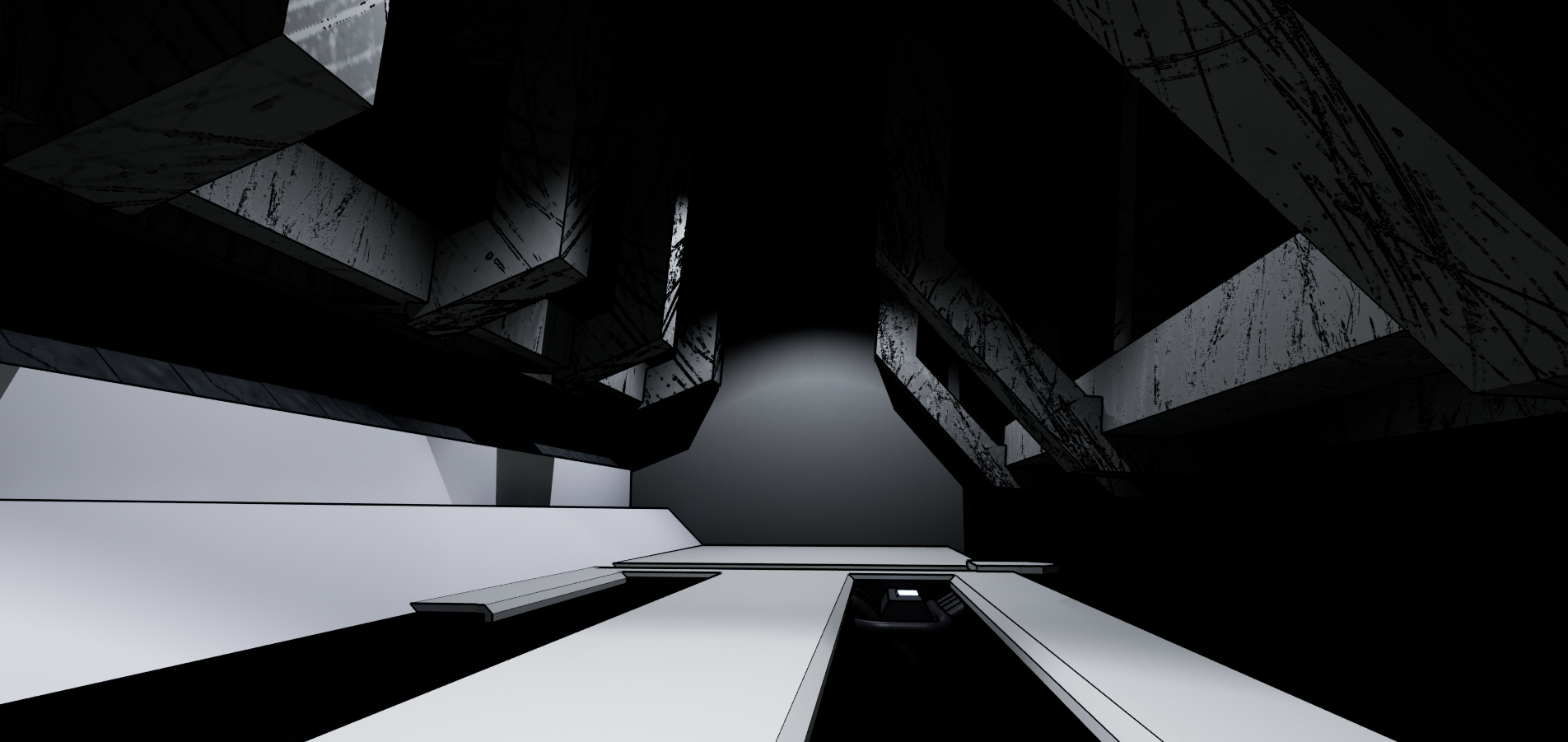
I have begun creating the blockout for the first level. It features around 10 sublevels that will allow me to demonstrate my progress over many different aspects of game design. Because Blame! has quite a unique style, I merged meshes to create simple yet recognizable architectural features.
Switching to Unreal Engine 5.
A friend told me that lighting environments would be easier in UE5 so I made the switch. Lumen and Nanite feel amazing.
Lighting & Post Processing.
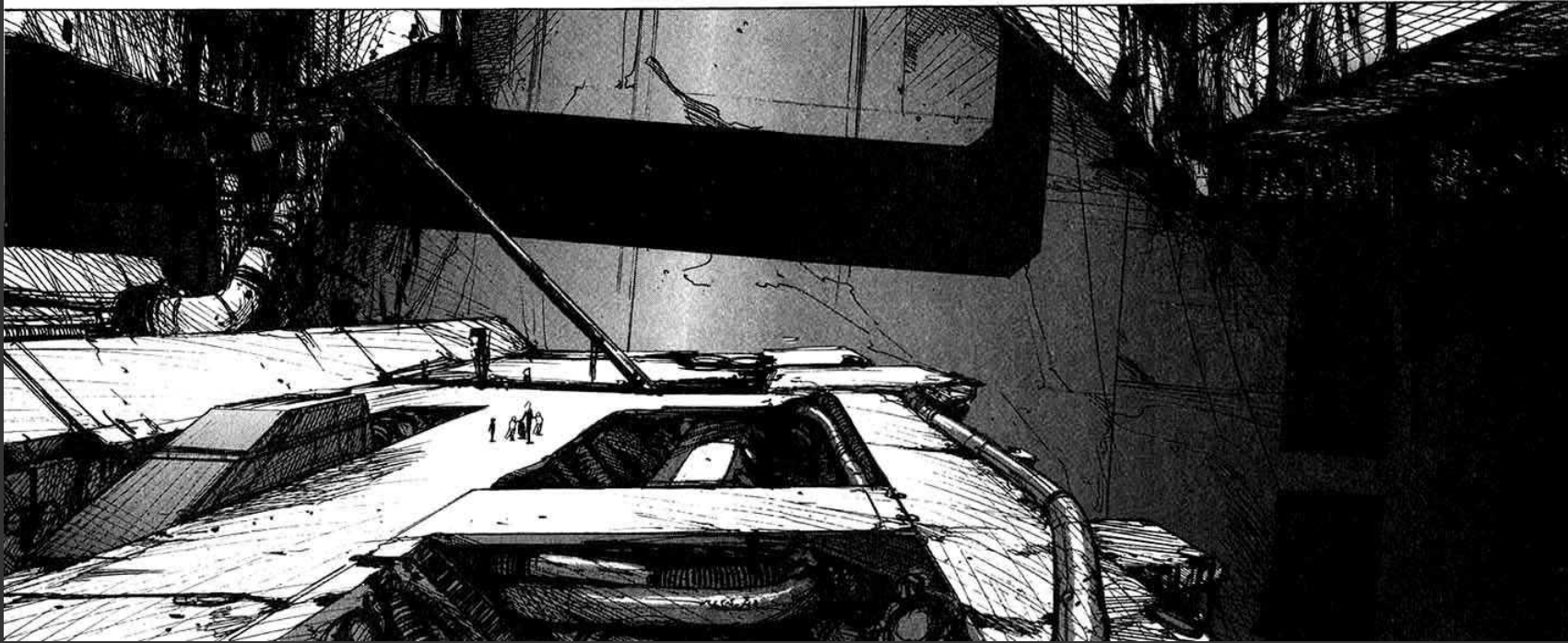
I have always found it difficult to work with lights and Post Processing in my previous projects. At the beginning of the project I decided I wanted to use Megascans assets but the results did not feel right. After many tutorials and trial & error I finished 2 post processing materials. The first one creates the iconic outlines manga’s have. The second is a cell shading Material. Both materials needed to enhance the Megascans materials, not replace them.
Notable Takeaways
Commenting
I need to comment more on functions and blueprints. Currently, the material making the black outlines in the Post Processing is very complicated and I can only remember half of what every part does. The material works quite well but editing an instance takes too much time because I need to look up what most modifiers do.
1 thought on “Blame! Rogue-like Post 01”